Know what's broken on your site. Don't guess.
Real accessibility issues on your own pages, shown with screenshots — plus an accessibility statement you can publish.
Free single-page test · no signup · no card required
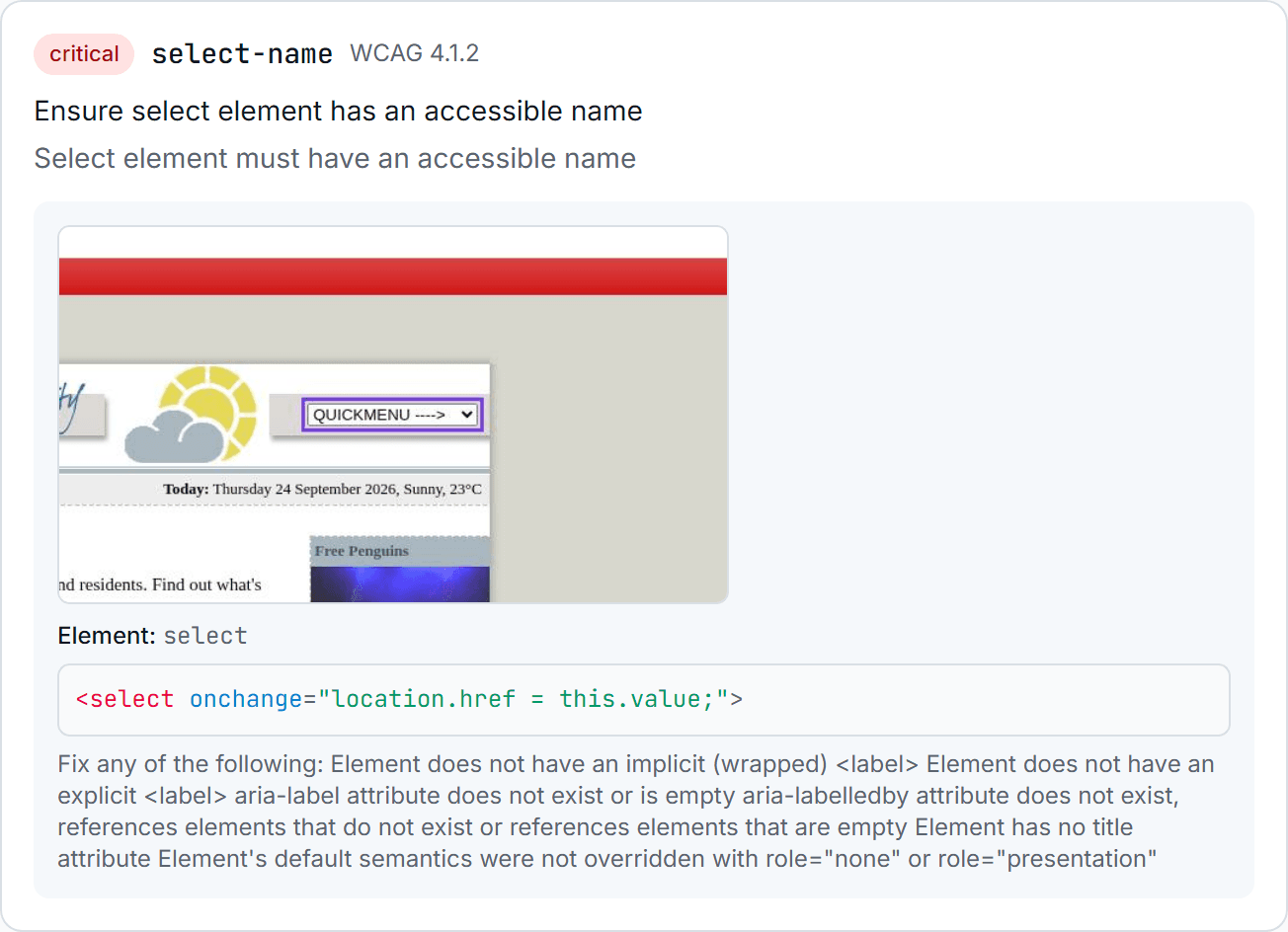
We find the accessibility issues on your site, show you how to fix them, and document the result — so you aren't carrying a risk you didn't know you had.
Sound familiar?
- Your competitors are already advertising accessibility.
- A customer couldn't use your site — and never told you.
- The EAA has applied since 28 June 2025 — it's not a future deadline.
Results in minutes, not after a week of waiting on a lawyer.
A single-page test usually finishes within a few minutes; how long it takes depends on how quickly your page loads.
Findings on your own pages — not from a generic rulebook.
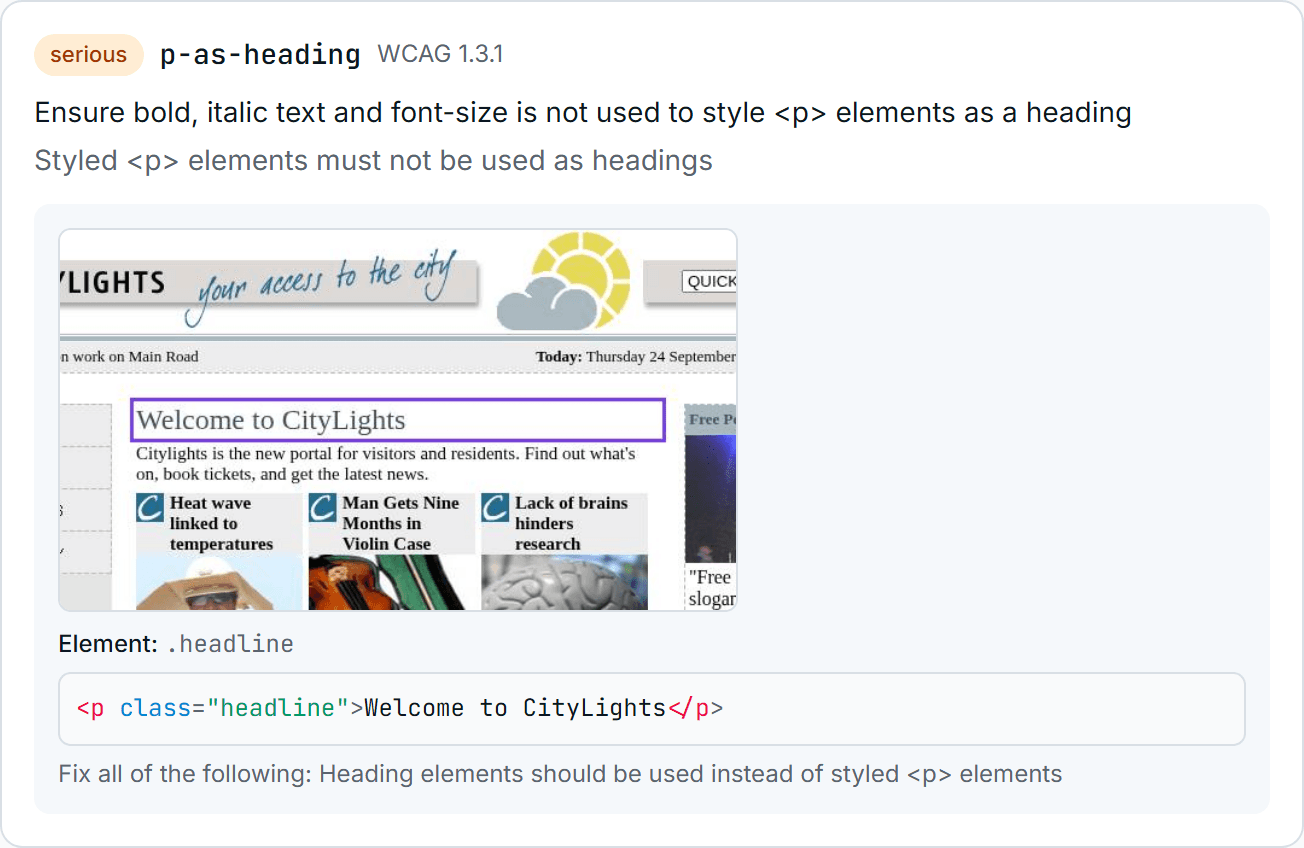
Where the affected element can be captured, the finding includes a screenshot of your page with that element highlighted.
How it works
Enter your URL, scan your site
The free test checks one page, no signup needed. The Free plan includes one website and an initial scan of up to 100 pages.
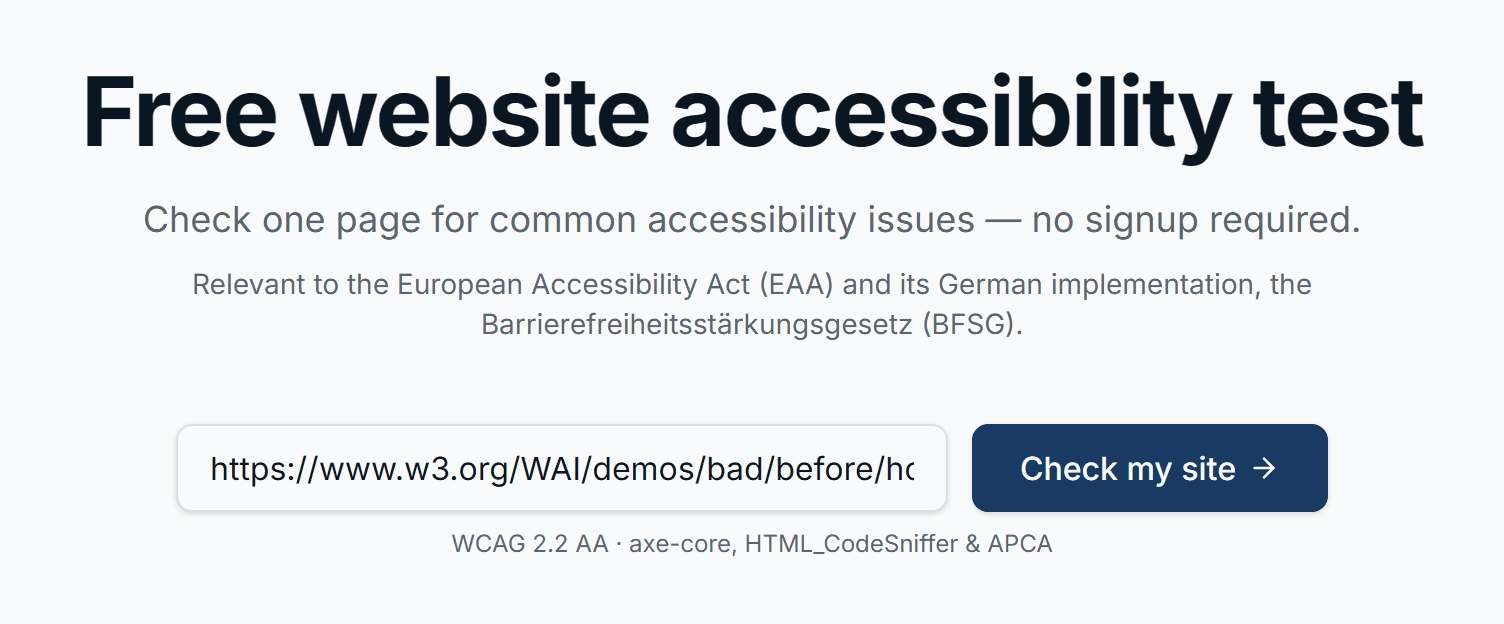
See exactly what's wrong, with a screenshot
Each finding names the affected element, its severity and the WCAG criterion it fails.
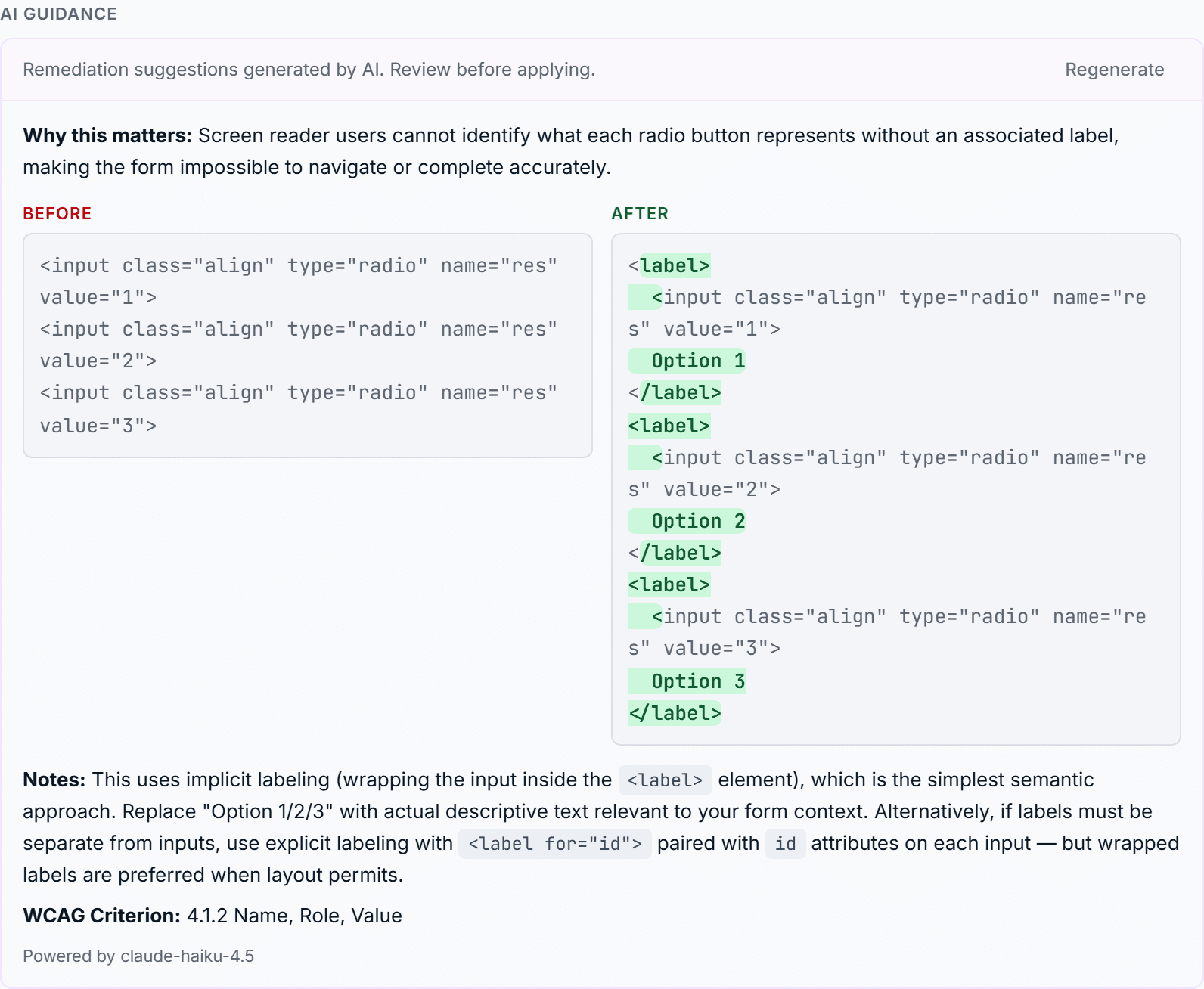
Fix what's found, create your statement
AI fix suggestions propose concrete code changes, and the statement generator drafts your accessibility statement from your scan results. Both are included in the Business plan.
Why the usual approach falls short
- A lawyer usually won't check every page individually — you get a general opinion, not a list of issues.
- A generic WCAG PDF tells you what the standard requires — not what's actually broken on your site.
Common concerns
- “We're too small for this to apply to us.”
- The EAA applies to small online shops too. Only microenterprises providing services are exempt: fewer than 10 employees and no more than €2 million in annual turnover or balance-sheet total.
- “I've never heard of this tool.”
- Findings come from axe-core and HTML_CodeSniffer, widely used open-source testing engines. Your statement follows the information the law requires (EAA Annex V; Anlage 3 BFSG in Germany) — not a format we made up.
- “This'll be like doing my taxes — nothing but jargon.”
- Findings are sorted by severity, each with a short summary of the problem — a clear list you can hand to whoever maintains your site.
You know where you stand, you have the document in hand, and you're no longer guessing.
Know where you stand, in minutes.
Free single-page test · no signup · no card required
Automated testing detects common WCAG 2.2 AA failure patterns; it cannot establish full conformance or replace manual review. AllyProof provides evidence and fix guidance, not a legal guarantee.